

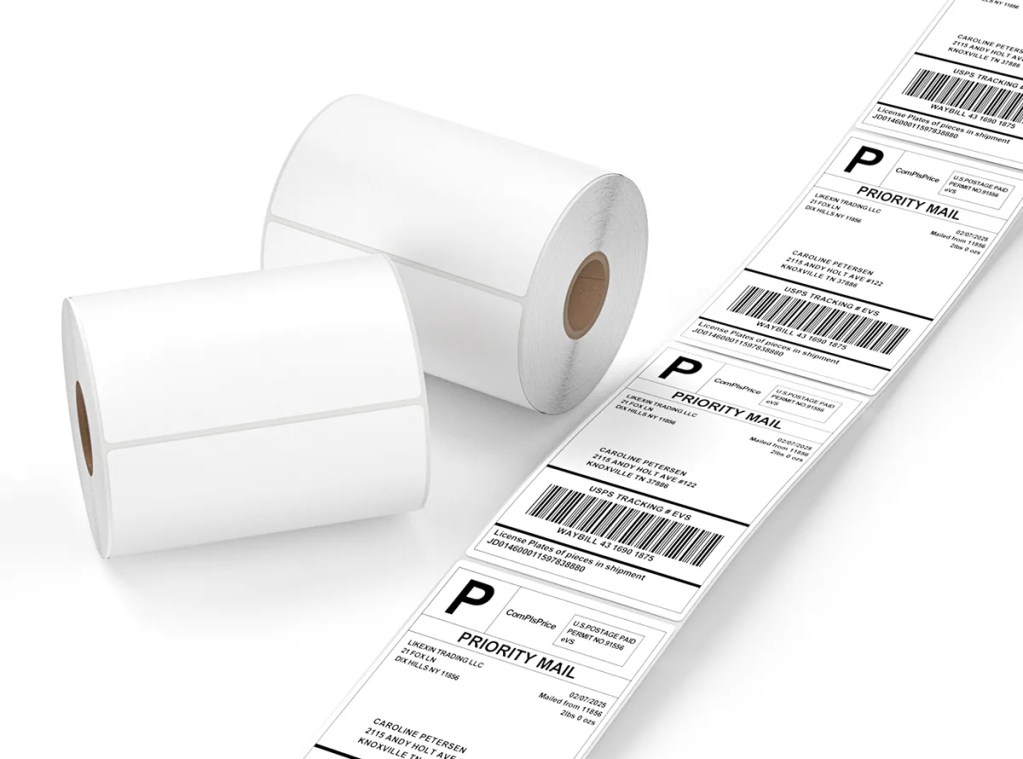
Thermal Labels - Multi-Size Shipping Labels
Direct from the factory | We offer multi-layered protective logistics labels using environmentally friendly dephenolized coatings and high-performance adhesives. We also support comprehensive customization from weight and adhesive to brand logo, saving you over 20% on intermediary procurement costs.
Packaging Details
💡 Professional Advice:
If you are unsure which material combination or size is most suitable, please contact us and we will provide free sample testing.
If you are unsure which material combination or size is most suitable, please contact us and we will provide free sample testing.
Senior Supplier
Likexin High-Performance Thermal Labels
More than just industry-leading BPA-free thermal technology.
Likexin labels combine excellent protective performance with precise die-cutting technology.
Leading Thermal Technology
No ribbon or ink required, supports high-speed printing
Multiple Protections
Excellent waterproof, oil-proof, and scratch-resistant properties
Environmentally Friendly Adhesive
Multiple options available, including hot melt adhesive and freeze adhesive
BPA Free
Complies with international standards, safe and non-toxic
Step inside Likexin’s production line
Equipped with advanced label production equipment, including coating and die-cutting machines, we ensure that every roll of labels meets ISO standards.
Welcome to see our production environment and inventory strength through real-life videos.
Label Specification Parameters Guide
W×H mm | W×H inch | Aspect Ratio |
|---|---|---|
32 × 19 mm | 1.25" × 0.75" | 1.68:1 |
40 × 30 mm | 1.5" × 1.2" | 1.33:1 |
50 × 25 mm | 2" × 1" | 2.00:1 |
57 × 32 mm | 2.25" × 1.25" | 1.78:1 |
60 × 40 mm | 2.36" × 1.57" | 1.50:1 |
W×H mm | W×H inch | Aspect Ratio |
|---|---|---|
75 × 25 mm | 3" × 1" | 3.00:1 |
75 × 50 mm | 3" × 2" | 1.50:1 |
75 × 100 mm | 3" × 4" | 0.75:1 |
80 × 50 mm | 3.15" × 2" | 1.60:1 |
W×H mm | W×H inch | Aspect Ratio |
|---|---|---|
100 × 50 mm | 4" × 2" | 2.00:1 |
100 × 75 mm | 4" × 3" | 1.33:1 |
100 × 100 mm | 4" × 4" | 1.00:1 |
100 × 150 mm | 4" × 6" | 0.67:1 |
100 × 200 mm | 4" × 8" | 0.50:1 |
💡 Unsure which size to choose?
While we offer customization services, selecting industry-standard sizes can often save you 15%-20% on procurement costs and shorten delivery times.
Packaging parameters
Number of Sheets per Roll | Applicable Models | Common Cores |
|---|---|---|
250 Sheets / 350 Sheets | Portable Printers | 0.5" (12.7mm) / 1" (25mm) |
500 Sheets / 1000 Sheets | Desktop Printers | 1" (25mm) / 1.5" (38mm) |
2000 Sheets / 5000 Sheets | Industrial Printers | 3" (76mm) |
Number of Sheets per Stack | Advantages | Stacking Options |
|---|---|---|
500 Sheets/Stack | Suitable for small e-commerce businesses and home offices | Direct paper feed from the paper tray |
1000 Sheets/Stack | Most common specification, moderate paper change frequency | Stacked behind the printer |
2000 Sheets / 4000 Sheets | Suitable for industrial-grade production lines | Large box continuous paper feed |
FAQ
Does this label support all printers?
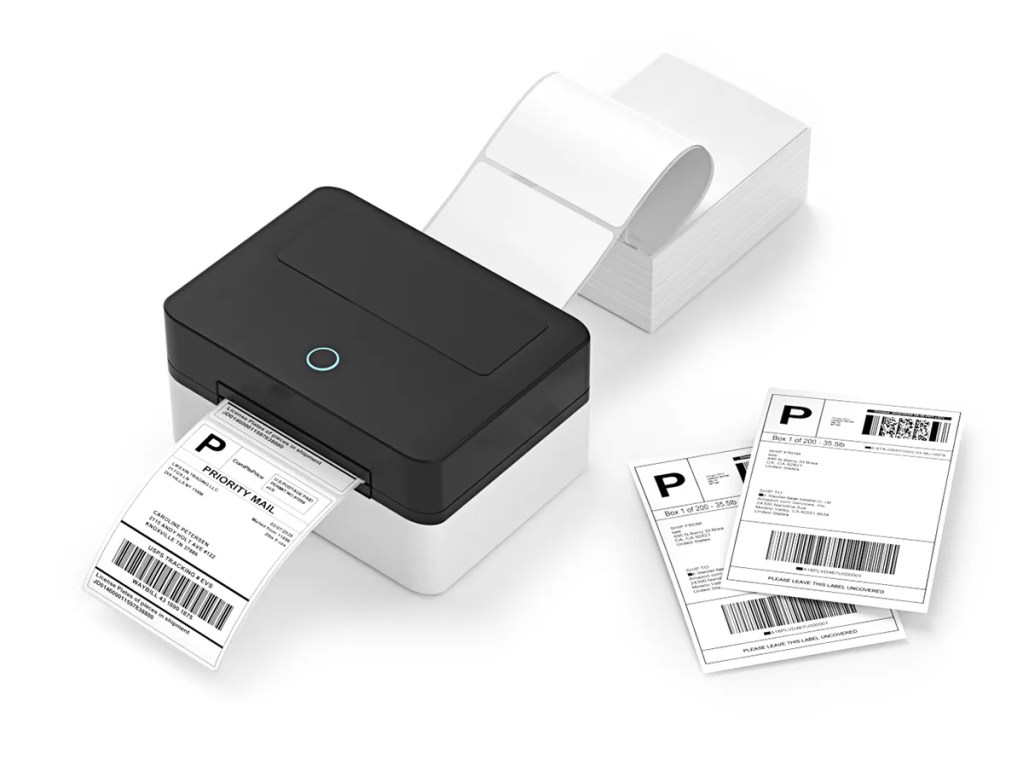
Yes. Our labels are perfectly compatible with Zebra, Honeywell, TSC, Postek, and all major thermal/thermal transfer printers, supporting both roll (internal feed) and folded (external feed) loading methods.
Will the labels fail in extreme weather (high temperatures or rain)?
We recommend our “Top-coated” series. This series is waterproof, oil-proof, and scratch-resistant, maintaining clear text in shipping environments ranging from -20 to 60 degrees Celsius, and is impervious to rain.
Why do you use glassine backing paper?
Glassine backing paper has extremely high toughness and uniform translucency. It is standard on automatic labelers and high-speed printers, ensuring paper breakage under high-speed pulling and more accurate sensor positioning.
Is this label BPA-free?
Yes. Our entire product line uses environmentally friendly coatings that comply with EU REACH and RoHS standards, ensuring that long-term skin contact with logistics sorting personnel is safe and harmless.
Troubleshooting Guide
Printing White Paper
Ensure the thermal side (smooth side) is facing up; try scratching the paper with your fingernail; the side that leaves a black mark is the printing side.
Incomplete Printing/White Lines
Gently wipe the printhead thermal pad with an alcohol swab; if the white lines are persistent, the printhead may need to be replaced.
Faint Print
Increase the “Density/Darkness” setting in the printer driver, or decrease the printing speed.
Misalignment/Paper Skipping
Set the paper sensor mode to “Gap Sensor” instead of “Continuous” in the driver, and perform an automatic paper calibration.
Peeling Off Label Edges
Ensure the labeling surface is dry and clean; for cold storage environments, our “Low Temperature Special Adhesive” must be used.
Frequent Paper Jams
Check if the core is loose; ensure the paper roll is neatly placed in the paper tray, without skewing or folding.