


Common Uses :
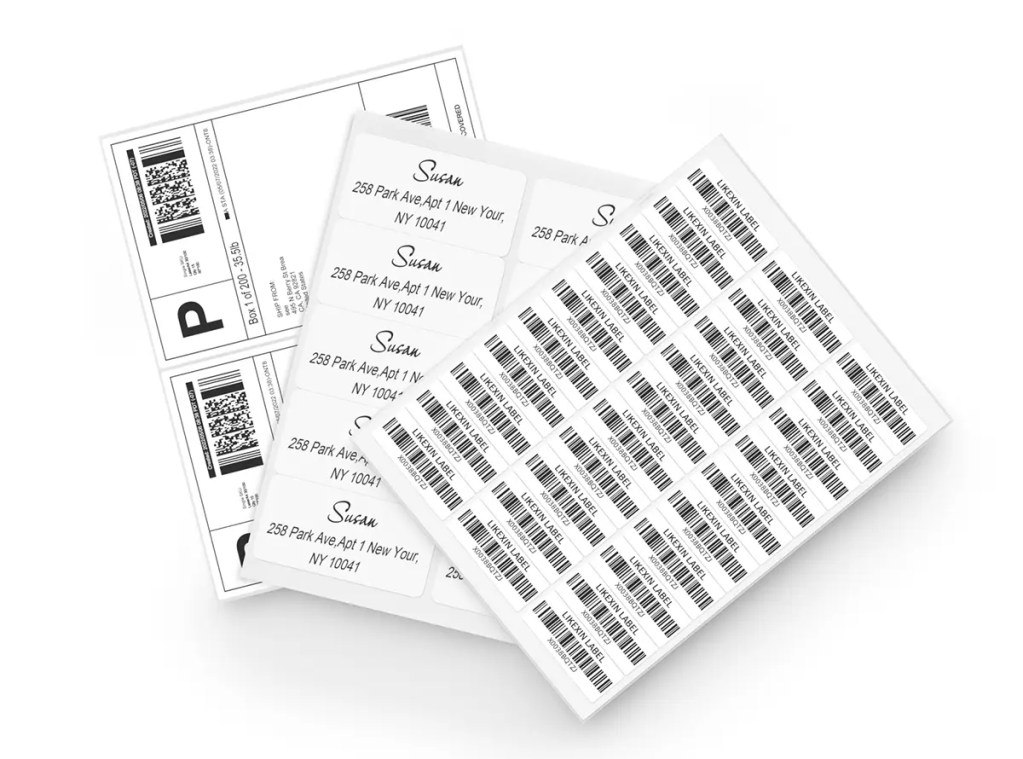
Large shipping labels, DIY cutting
A4 Inkjet & Laser Label - Office Multipurpose Label
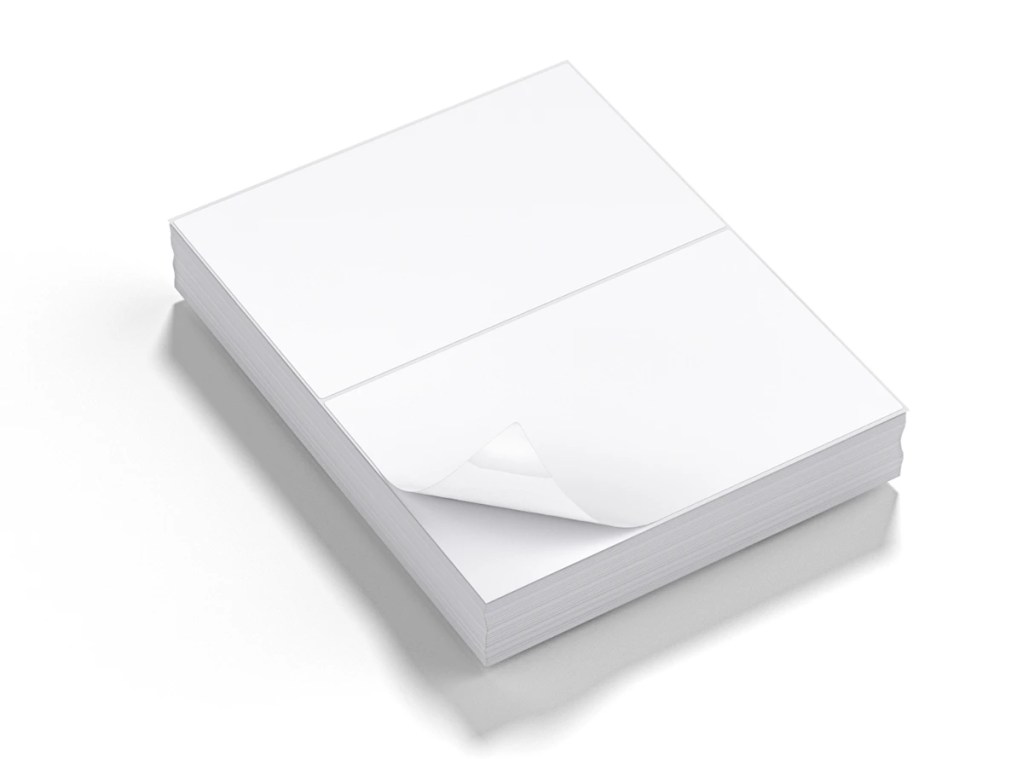
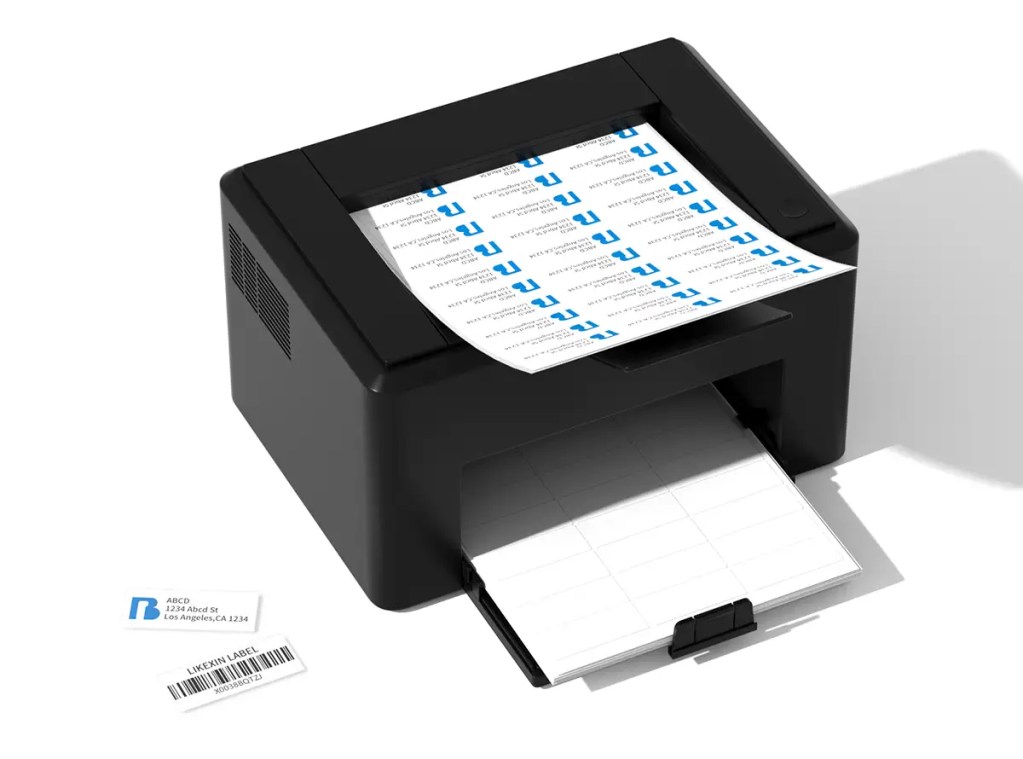
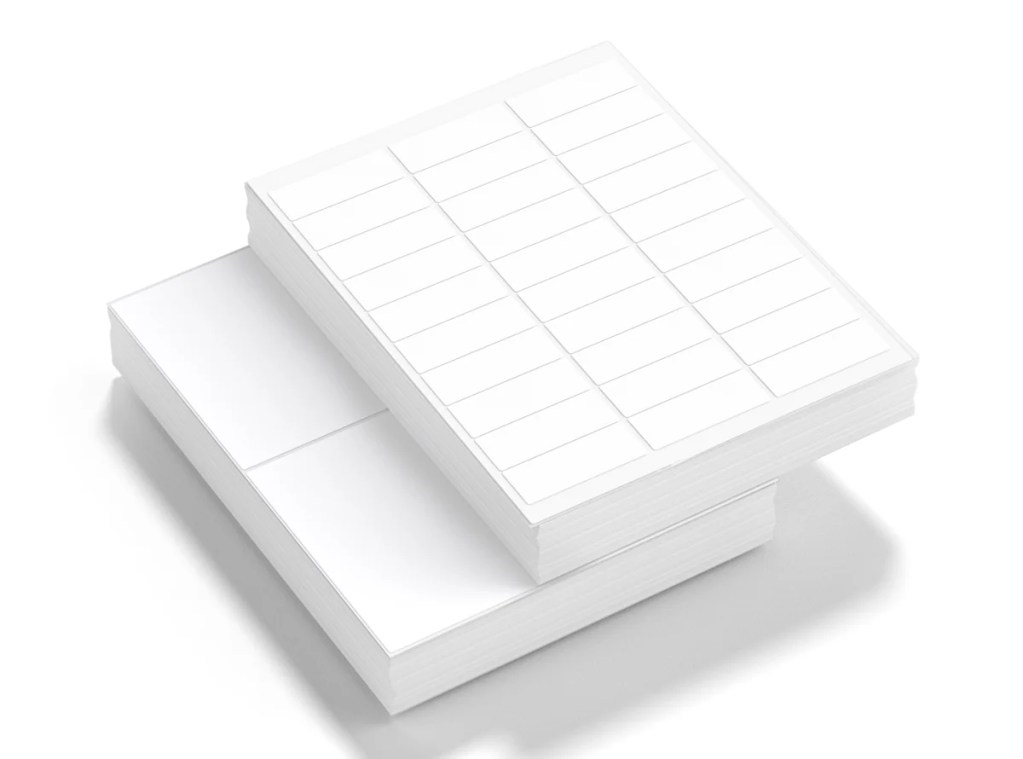
A4 inkjet and laser labels are printed materials with multiple self-adhesive labels neatly arranged on an A4-sized backing paper in a single sheet.
Labels Per Sheet
Material Finish
💡 Professional Advice:
If you are unsure which material combination or size is most suitable, please contact us and we will provide free sample testing.
If you are unsure which material combination or size is most suitable, please contact us and we will provide free sample testing.
Product Specifications
Feature Item | Technical Details & Specifications |
|---|---|
Commonly used paper materials | Woodfree paper , Clear PET flim , Glossy BOPP flim , Glossy paper/Semi gloss paper |
Adhesive | Permanent Hotmelt/Permanent Acrylic/Removable Hotmelt/Removable Acrylic |
Liner | 40gsm/50gsm/60gsm white/yellow/blue liner |
Special Processing | waterproof/oil proof/scractch proof |
Thermosensitive Coating Composition | No heat-sensitive coating |
Applicable Printers | Inkjet printer&laster printerng |
Temperature Range | storage temperature:-10℃~65℃
min labeling temperature:5℃ |
Storage and Preservation | Avoid being stored at temperature over 50℃ or direct sunshine. One year when stored at 23±2℃ and 50±5% RH.If test qualified,the label can continually been used after shelf life. |
Packaging specificationsts | 30 sheets/bag (number of labels: number of labels per sheet * 30) |
Common Specifications

L7160
1 Label
210mm x 297mm

L7168 / L7169
2 Labels
210mm x 148.5mm
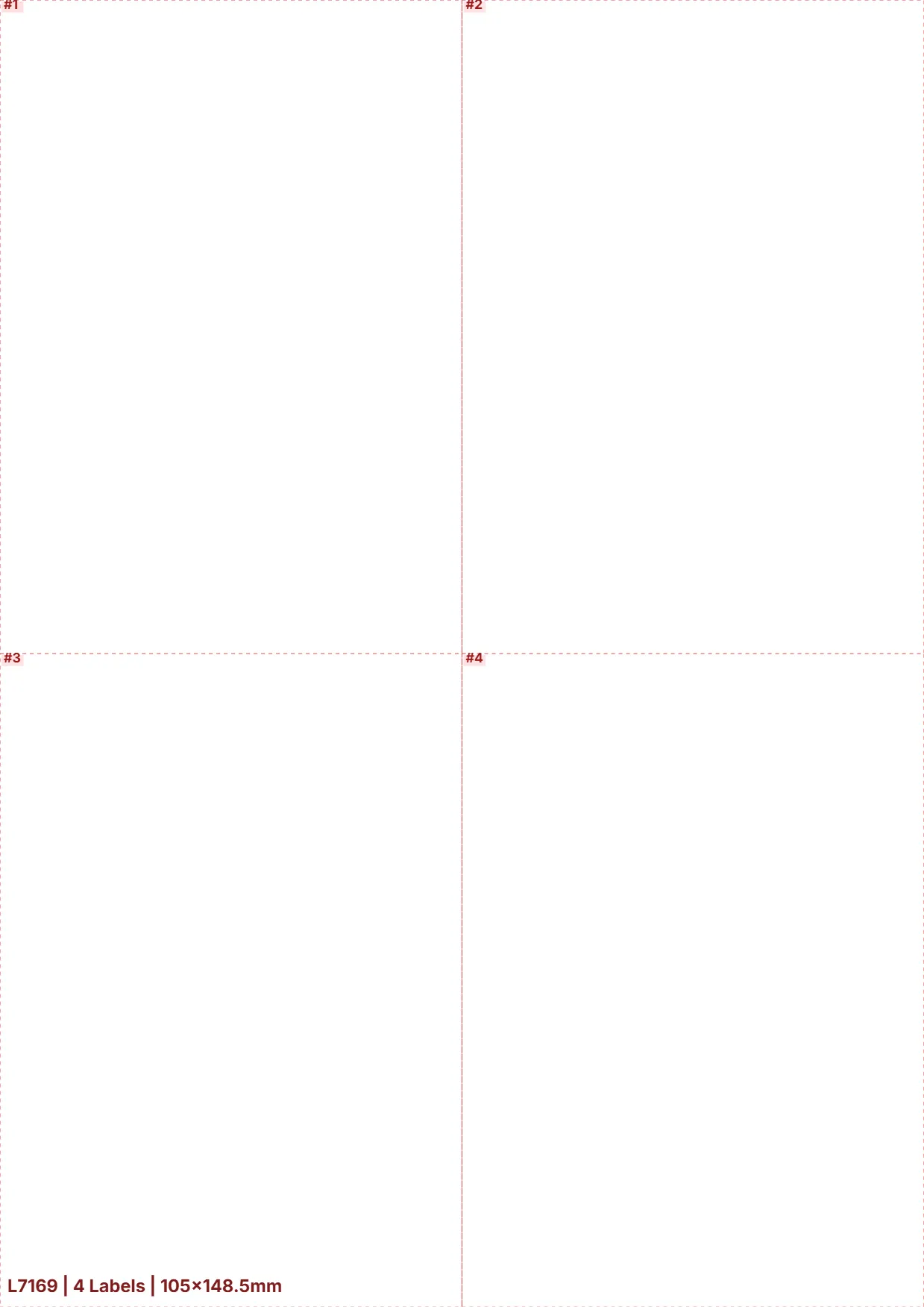
L7169
4 Labels
105mm x 148.5mm
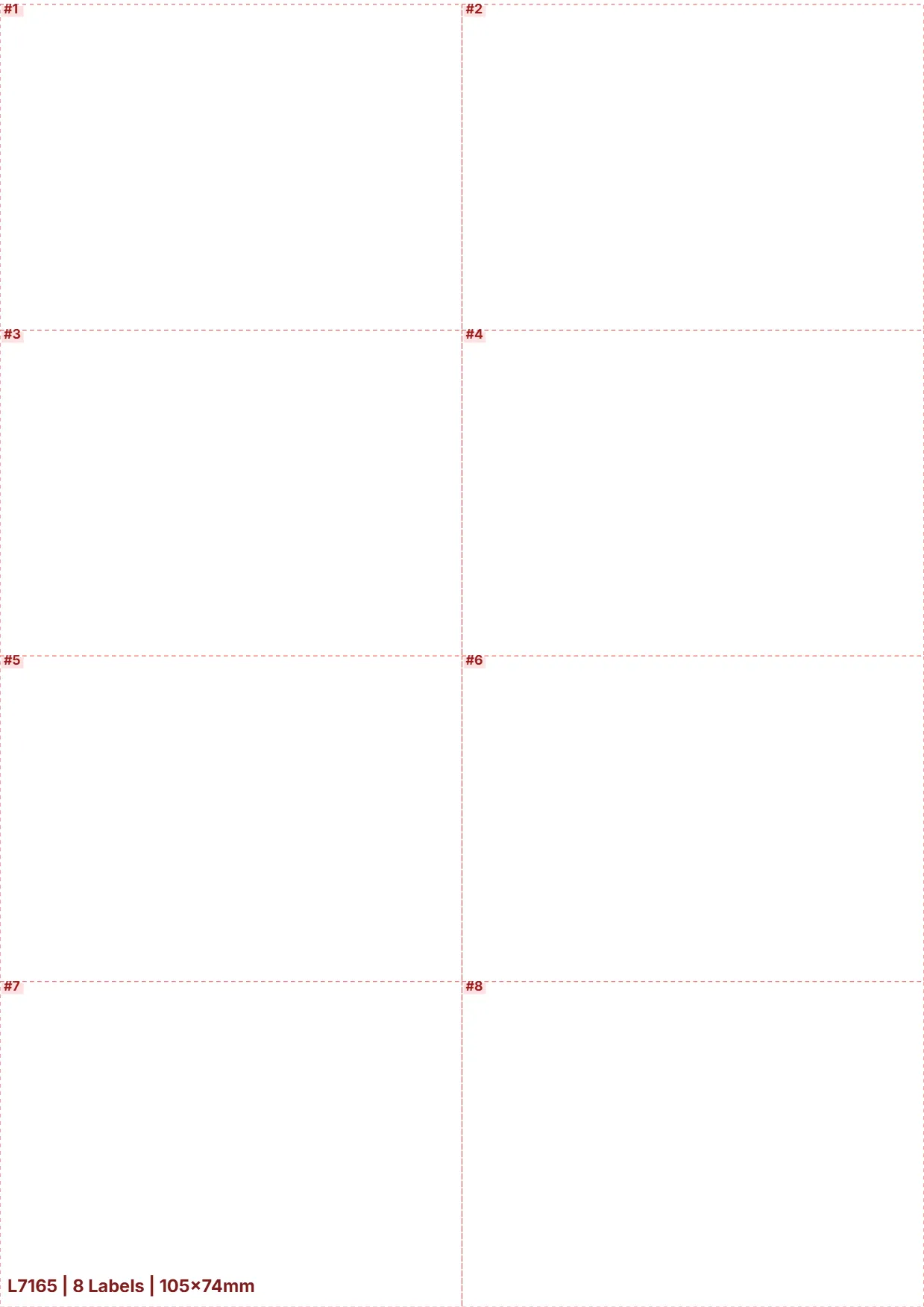
L7165
8 Labels
105mm x 74mm

L7173
10 Labels
99.1mm x 57mm
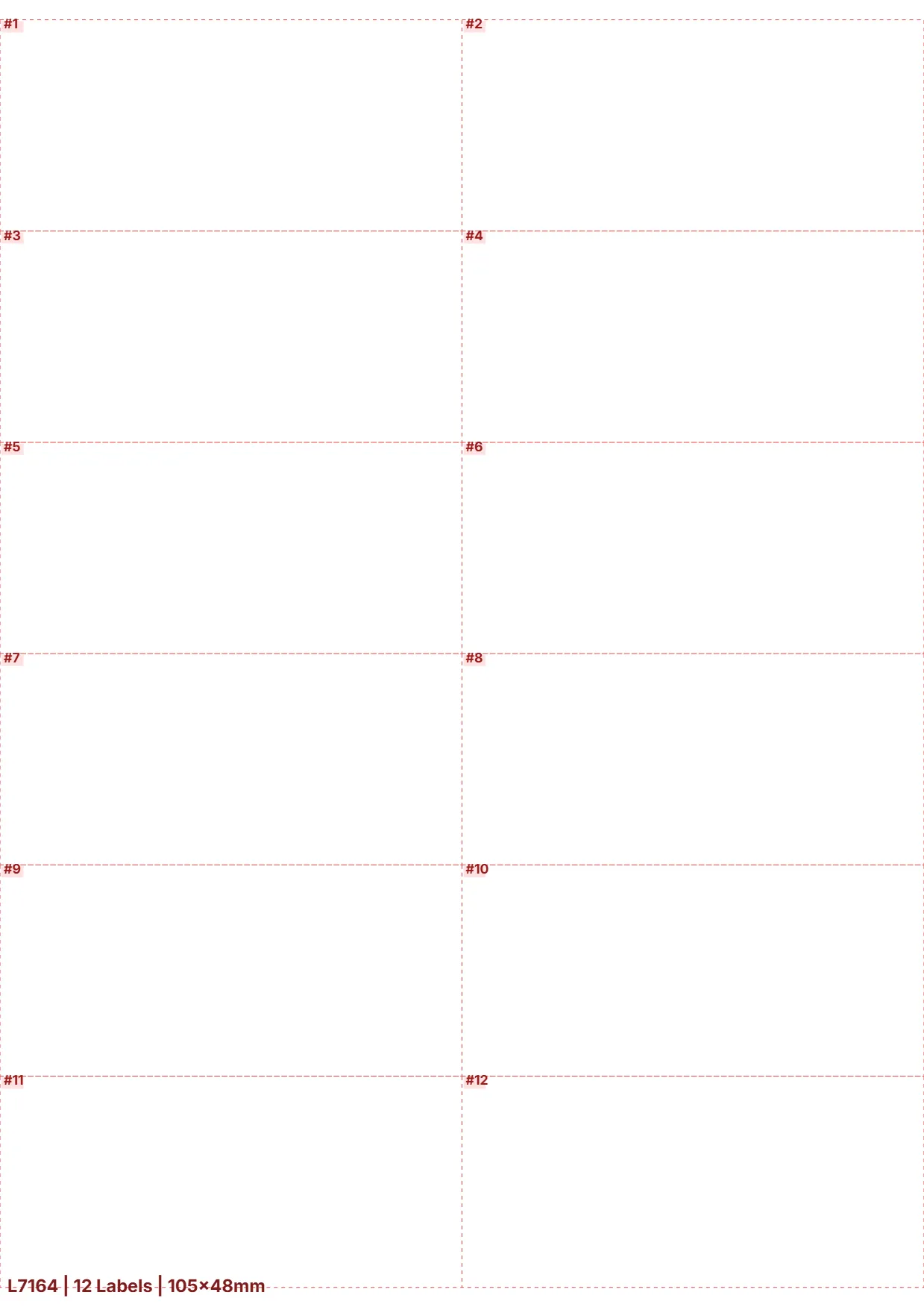
L7164
12 Labels
105mm x 48mm

L7163
14 Labels
99.1mm x 38.1mm
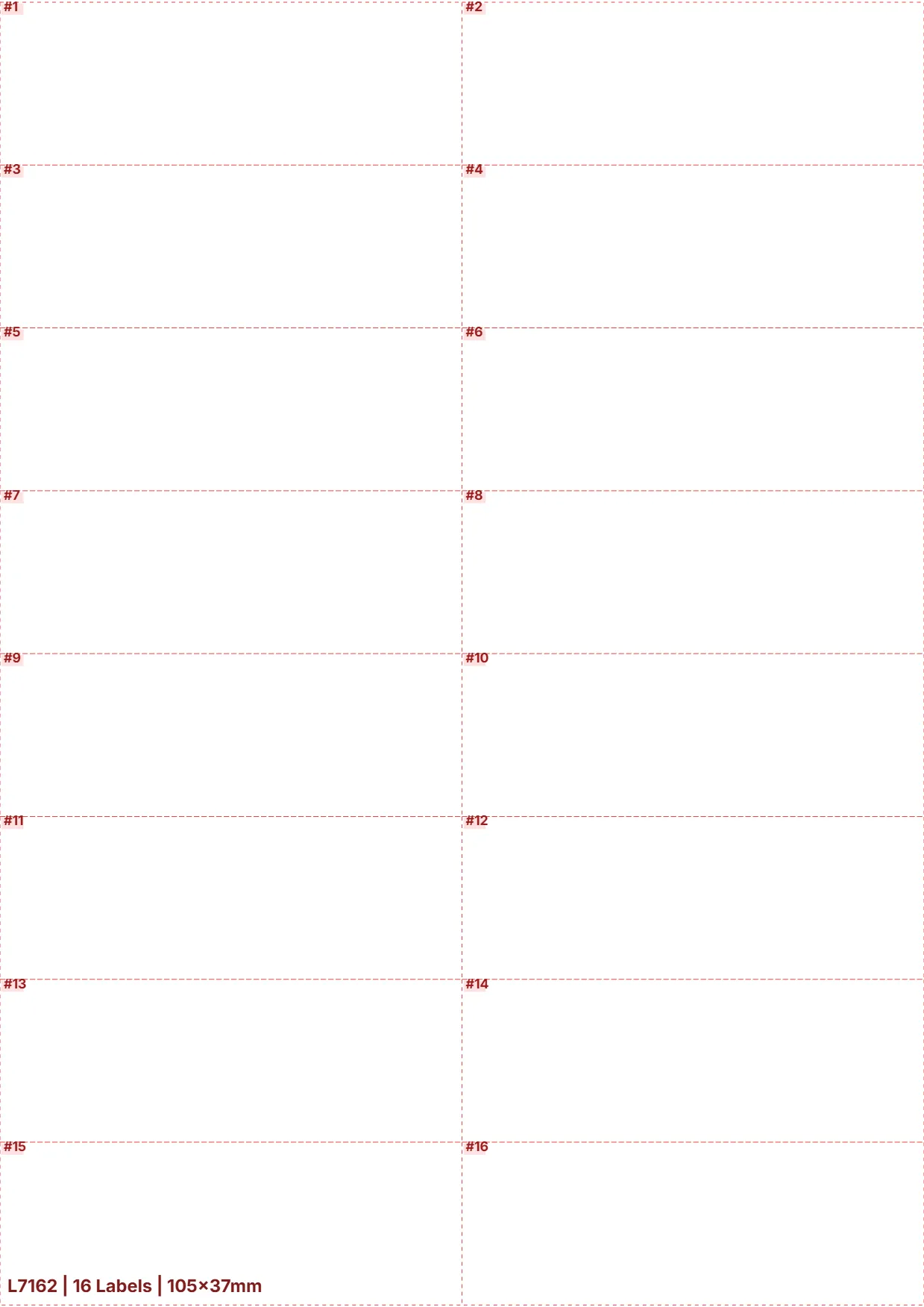
L7162
16 Labels
105mm x 37mm
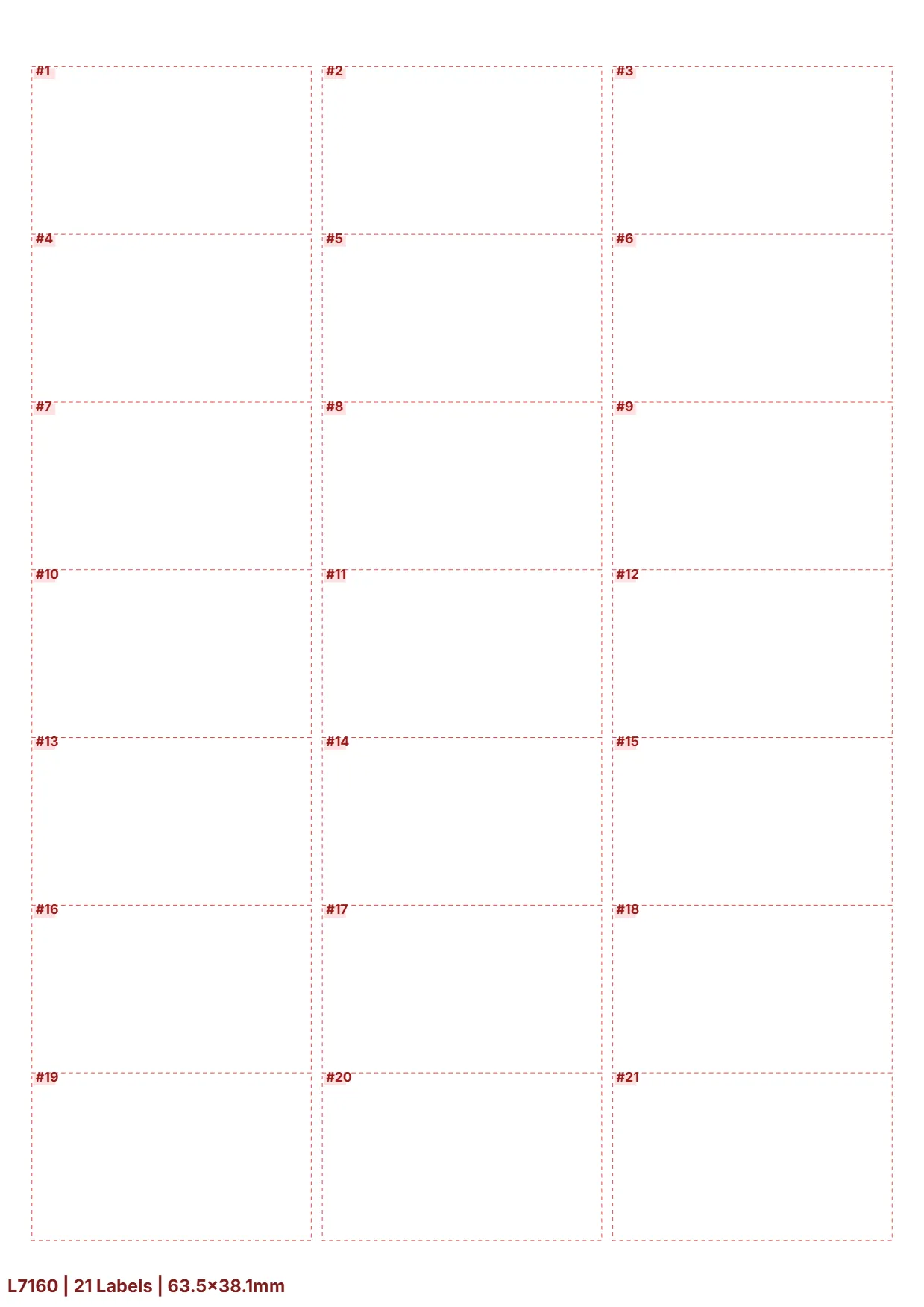
L7160
21 Labels
63.5mm x 38.1mm

L7159
24 Labels
70mm x 37mm

L7161
44 Labels
48.5mm x 25.4mm
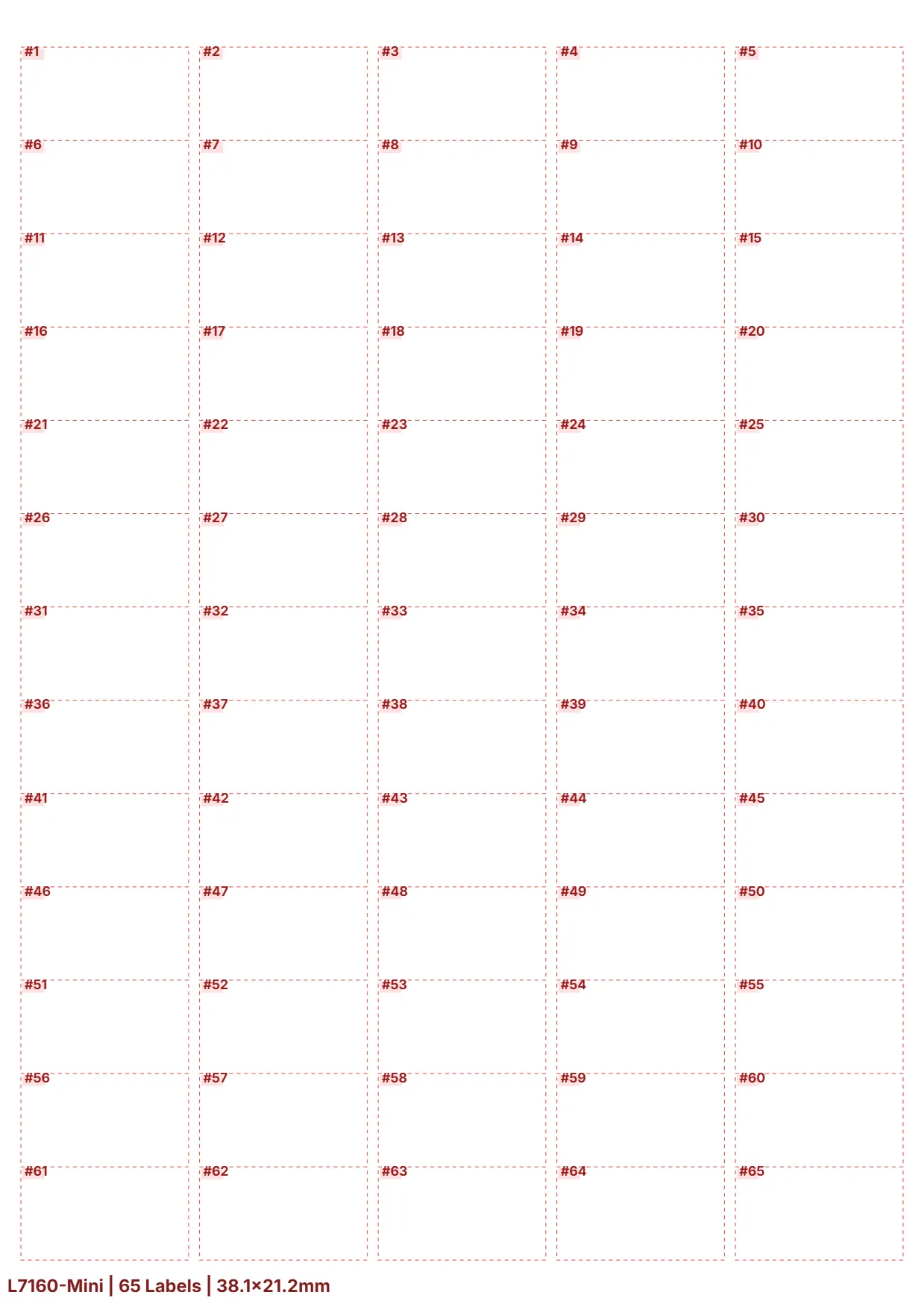
L7160-Mini
64 Labels
38.1mm x 21.2mm
How to choose the right labels?
Choosing the wrong material can damage printing supplies or cause labels to fall off. Please refer to our expert advice and identify your ideal material by considering three key aspects.
Step 1: Select according to printer type
Using a laser printer
"It can withstand the instantaneous high temperature and pressure of the fuser unit, ensuring that no adhesive leaks out."
Matte writing paper or heat-resistant PET
Using an inkjet printer
"The special ink-absorbing coating ensures vibrant colors and instant drying."
Glossy photo paper or coated BOPP
Step 2: Select based on the surface of the object to be adhered to
Corrugated cardboard / Rough surfaces
"It has extremely strong initial adhesion, allowing it to quickly grip the fiber surface."
Hot melt adhesive
Plastic / Glass / Smooth surface
"It has high transparency and its adhesive strength becomes more stable over time."
Acrylic
Step 3: Choose based on the usage environment
Indoor Office / Logistics
"Best value for money, convenient for writing with ballpoint pens."
Standard Matte Paper
Cold chain / Outdoor / Humid
"It possesses physical-level waterproof, oil-resistant, and tear-resistant properties."
BOPP or PET film
Still unsure which material is best for your business?
Our technical consultants offer one-on-one consultations and can conduct testing to meet your specific needs.
Seeing is believing
Witness true quality
Words cannot fully express our capabilities. Would you like to see for yourself the production environment of your labels?
Get a firsthand look at the ISO-standardized production line and view the latest SGS and RoHS test reports.
± 0.2mm Precision Die-Cutting Process
Utilizing high-precision imported die-cutting blades, every label can be easily peeled off.
FSC Environmentally Friendly Raw Paper Traceability
Choosing us is not just about choosing quality, but also about supporting global environmental responsibility.
Strict Compliance Certifications
Passed SGS, REACH, and RoHS authoritative testing, ensuring safe use in sensitive environments.
24-Hour Rapid Response
Our technical team can provide prompt and professional responses.
The "Unsung Hero" Behind Improved A4 Label Stability
"In the latest development cycle, we focused on upgrading the 60g glassine release liner and added a balanced moisture-resistant coating. This improvement ensures the paper remains physically flat, enabling high-speed continuous feeding without jamming."
——Zeng (Technical Director)
15 years of experience in adhesive chemistry and material conversion
15 years of experience in adhesive chemistry and material conversion
FAQ
Why can't I scan the barcodes I print?
This is usually because “Ink Saving Mode” or “Fast Print” is enabled in the print settings, resulting in insufficient line contrast.
Please turn off Ink Saving Mode in your print preferences and set “Print Quality” to “Best” or “1200 DPI” to ensure deep black lines and sharp edges.
Do your labels support double-sided printing?
Absolutely not.
Self-adhesive labels only support single-sided printing.
If the label is flipped over and passed through the high-temperature fusing unit of a laser printer again, the adhesive backing is easily softened and overflows due to heat, damaging the printer drum and heating components.
Why is the printed text always slightly tilted upwards or downwards?
This is caused by the “Auto-scaling” setting in the software.
When clicking print, please be sure to check “Actual Size” in the settings window, not “Fit to Page”.
Will the labels fall off in frozen or high-temperature environments?
Our standard labels are suitable for room temperature environments.
If you need to affix them to cold storage (e.g., -40°C) or high-heat equipment, please contact customer service for customized solutions using specialized low-temperature resistant adhesive or solvent-resistant labels.
Will there be any residue after the label is peeled off?
This product is a “Permanent” type, designed to prevent accidental label removal. Therefore, residue may be left upon removal.
For application to fragile items and requiring residue-free removal, please consult our “Removable” series.
Troubleshooting Guide
Toner shedding during printing / Toner not coming off
Set the printing media to “Heavy/Label” to force a longer fixing time, allowing heat to penetrate the surface material.
Overall offset in printed content
1. Disable “Scale to Paper Size” in the software;
2. Fine-tune the “Margin” offset in Word/PDF template settings.
Loading multiple sheets at once
1. Fan the sheets left and right before printing;
2. Load only 20-50 sheets into the paper tray at a time, do not overfill.
Dark shadows/adhesive residue on label edges
1. Clean the printer’s internal rollers with an alcohol swab;
2. Discard labels that have been deformed by pressure or have overflowed adhesive due to heat.
Label edges peeling up after application
1. Clean the surface of the object with anhydrous alcohol before labeling;
2. Ensure the ambient temperature is >10°C when applying labels, press down for 2 seconds.
Printer displays "Paper Mismatch"
1. Manually change the paper type in the printer control panel to “Label”;
2. Ensure that the standard 210x297mm A4 size is being used.